colorizing the prokudin-gorskii photo collection · fall 2026
01
so what are the glass plates?
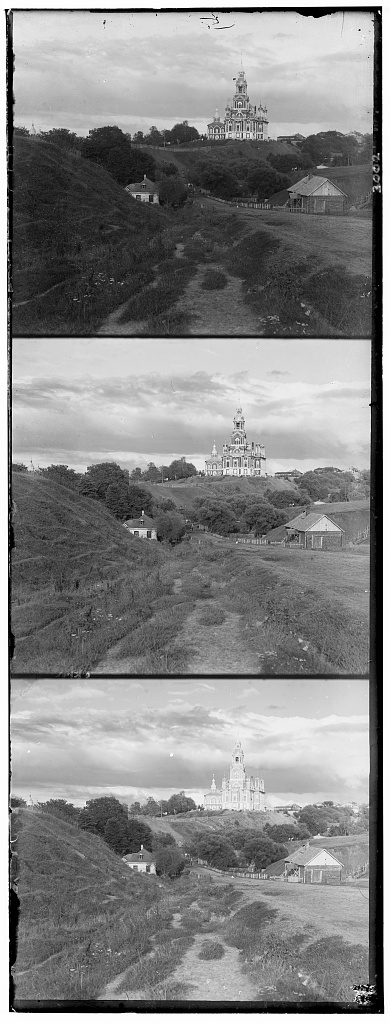
Between 1907 and 1915 Sergei Mikhailovich Prokudin-Gorskii photographed the Russian Empire in color. The problem? Color films didn't exist. His trick was to expose the same scene three times onto one glass plate, once each through a blue, a green and a red filter. To view the color image, one would project the three frames through matching filters onto a screen. The Library of Congress bought the plates in 1948 and scanned them. Each scan is a single tall grayscale image with the three exposures stacked top to bottom in the order blue, green, red.
Because technology isn't perfect, the camera actually drifts while the three exposures were being taken. Therefore, aligning the scans onto one projection was no simple task. However, through the power of CS180 and mathematics, it is possible to develop computer programs to help us find the correct alignment.
Now, before we get into the details, we will settle on some conventions and details. Except for the bells and whistles (bonus) part, everything is written in NumPy. We use the blue frame (first frame) as the fixed reference, and we denote the green and red frame shifts as (x, y): the number of pixels the frame was shifted right and down to land on the reference.
02
single-scale alignment
approach
After the plate is read, we convert it to floating point in the range [0, 1] (so the scan results are in the same scale regardless of JPEG or TIFF) and cut it into three equal-height frames. When aligning, we only try to align based on the central 80% of each frame and trim off 10% every side. This is because the scan has borders which are 1) irrelevant and 2) high contrast. In the pseudocode, trimming is denoted as INTERIOR. We cover why this matters more in section 03.
The two cropped frames are then scored with one of two metrics, written in NumPy:
def l2(a, b):
return -np.sum((a - b) ** 2)
def ncc(a, b):
a = a - a.mean()
b = b - b.mean()
return np.sum(a * b) / np.sqrt(np.sum(a * a) * np.sum(b * b))
Both return a score where greater the better, which is why we have the minus sign for L2. L2 is the Euclidean distance between the two frames viewed as vectors, and greater the L2 value, the "more distance" the vectors are. We simplify the L2 in two ways. First, we drop the square root as L2 is monotonic anyways, and second, negate the sum, which turns “smallest distance” into “largest score”. NCC is similar: each frame has its mean subtracted and the product is divided by the two norms, so the result is the cosine of the angle between the mean-centered frames, +1 for a perfect match, and unaffected by a frame being brighter or more contrasty overall. As both metrics point the same way, we can now use these metrics to design an alignment function.
Searching for the right alignment is essentially a double for loop over every shift in a square window around a center, trying to find the best shift. The single-scale alignment is that search with a ±15 window around zero, 31 × 31 = 961 candidates per frame. Inside the code a displacement is (dy, dx), rows then columns. On this page the same numbers are written as (x, y).
SEARCH(frame, blue, radius, center)
best-score = -infinity
for dy = center.y - radius to center.y + radius
for dx = center.x - radius to center.x + radius
shifted = ROLL(frame, dy, dx)
score = METRIC(INTERIOR(shifted), INTERIOR(blue))
if score > best-score
best-score = score
best-offset = (dy, dx)
return best-offset
SINGLE-SCALE-ALIGN(frame, blue)
return SEARCH(frame, blue, radius = 15, center = (0, 0))
Finally the two winning displacements are applied and the frames are stacked in RGB order.
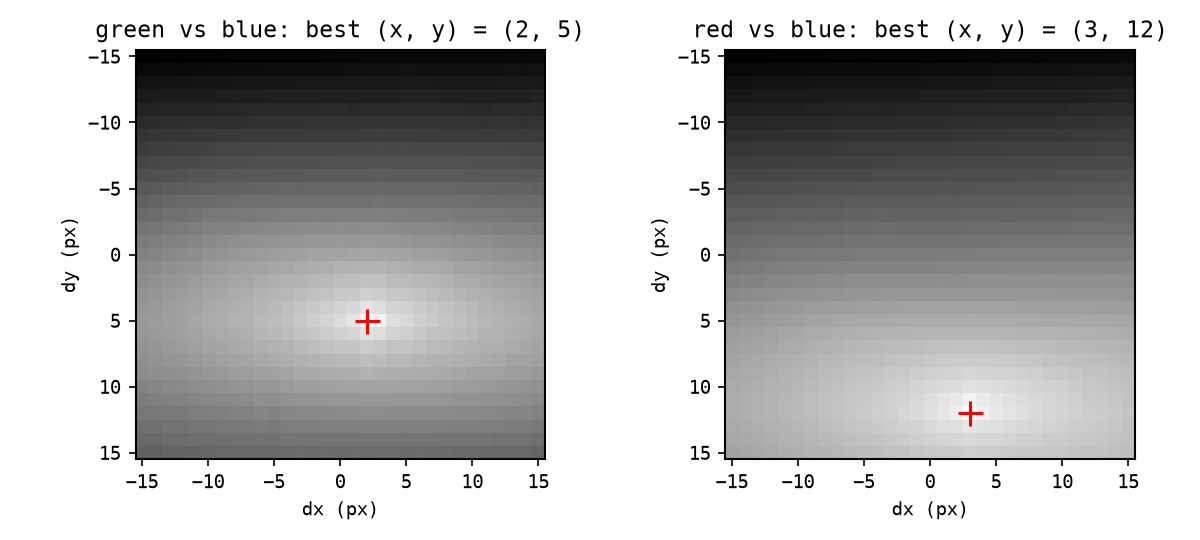
The scores over the whole window form a surface with a single clear peak. For the cathedral, green peaks at (2, 5) and red at (3, 12). The surface is pretty smooth within the window and the peak is likely to fall somewhere in the center of the image, which is why this sort of brute-force approach works. However, this approach will not work for much larger images where the "center" is also larger.
ncc score over the 31 × 31 search window, cathedral · the cross marks the maximum
results on the low-resolution plates
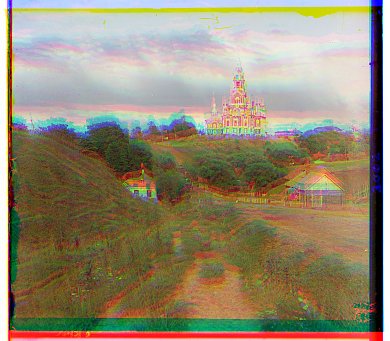
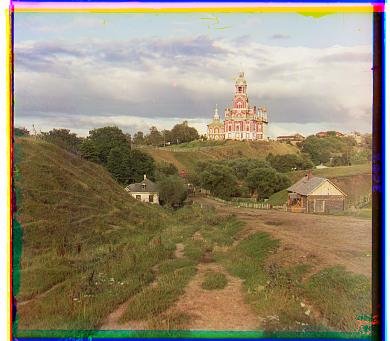
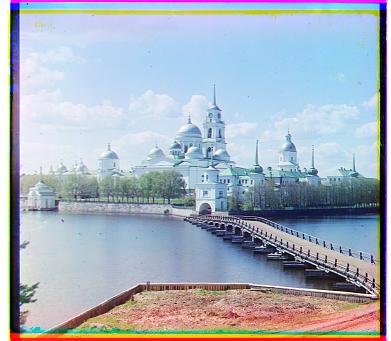
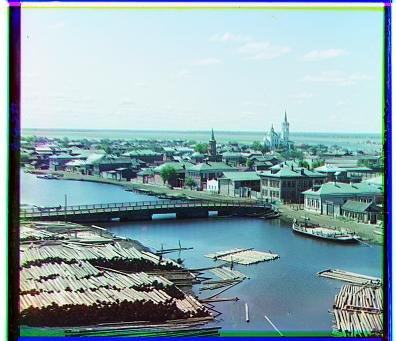
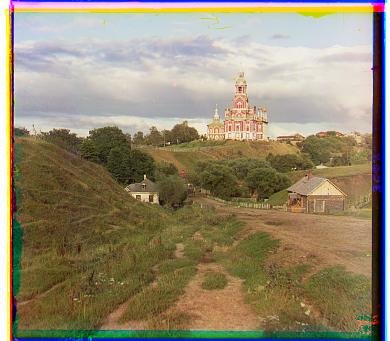
Left is the naive stack, right is the aligned result. L2 and NCC chose the same shifts on all three, so we only show one output per plate.
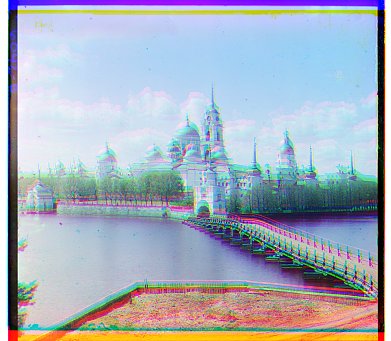
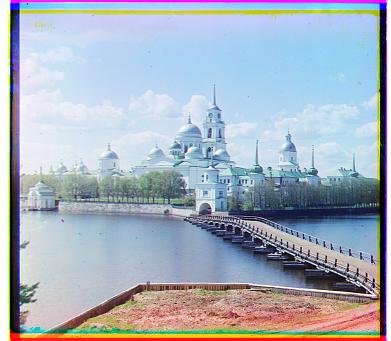
cathedral · unalignedcathedral · g (2, 5) · r (3, 12)
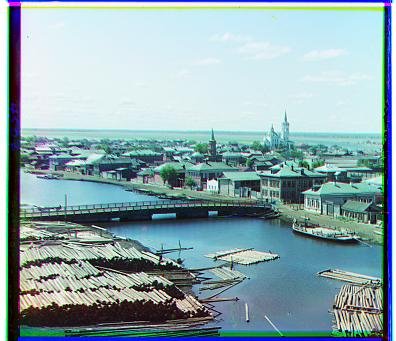
monastery · unalignedmonastery · g (2, −3) · r (2, 3)
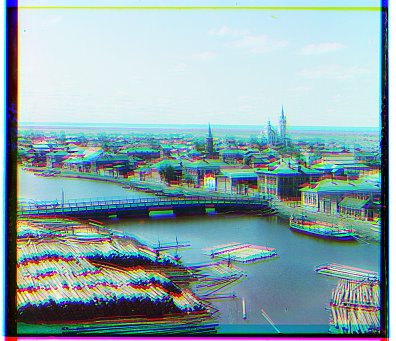
tobolsk · unalignedtobolsk · g (3, 3) · r (3, 6)
plate
l2 · green
l2 · red
ncc · green
ncc · red
cathedral
(2, 5)
(3, 12)
(2, 5)
(3, 12)
monastery
(2, −3)
(2, 3)
(2, −3)
(2, 3)
tobolsk
(3, 3)
(3, 6)
(3, 3)
(3, 6)
03
why only consider the interior
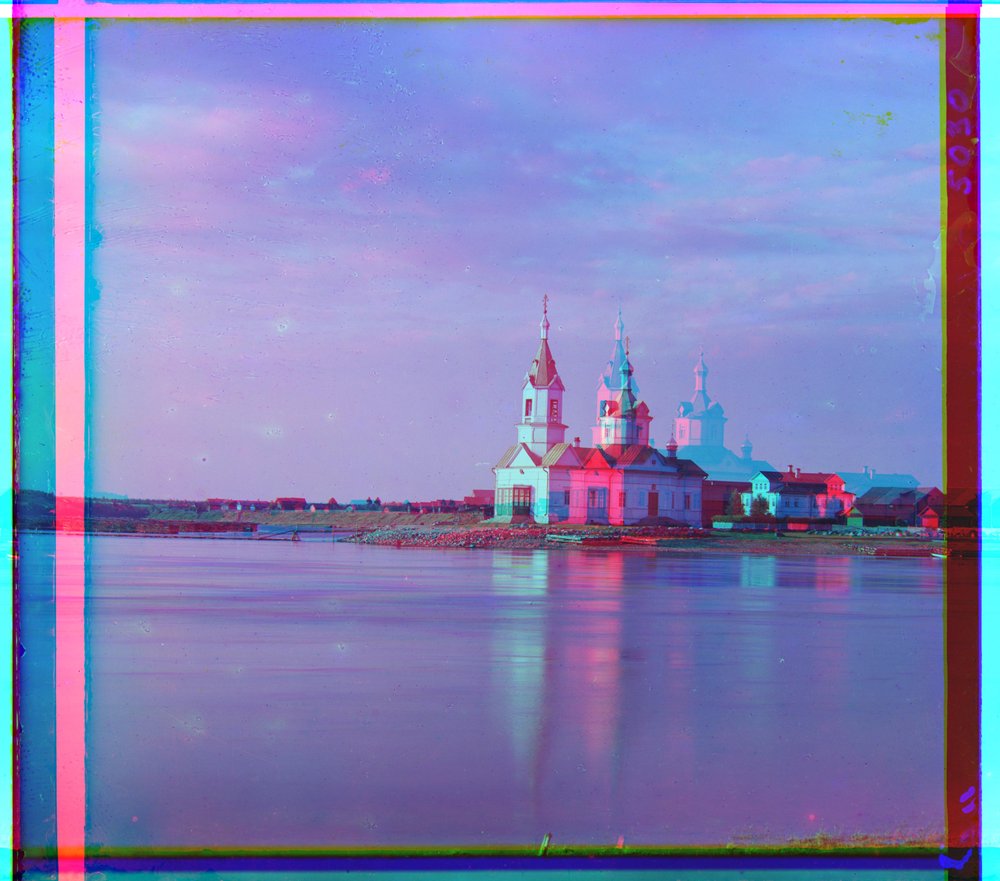
A natural question that arose was why 10% margin? Initially, 10% margin was chosen as a magic number. We did a rough estimate on how big the margins were on average and settled on 10%. However, it would be nice to know if this trimming is actually meaningful. We re-ran the raw-pixel NCC alignment on all fourteen course plates with the scoring margin set to 0%, 5% and the 10% (default). With no margin at all, only three of the fourteen results land within two pixels of the 10% answer. Five of the plates produce terrible results. Even the little cathedral goes wrong, to g (−1, 1) and r (−1, 7). 5% margins are much better, but the church’s green frame is still 16 pixels off. At 10% the only failure left is the Emir, and that one has nothing to do with borders (section 07).
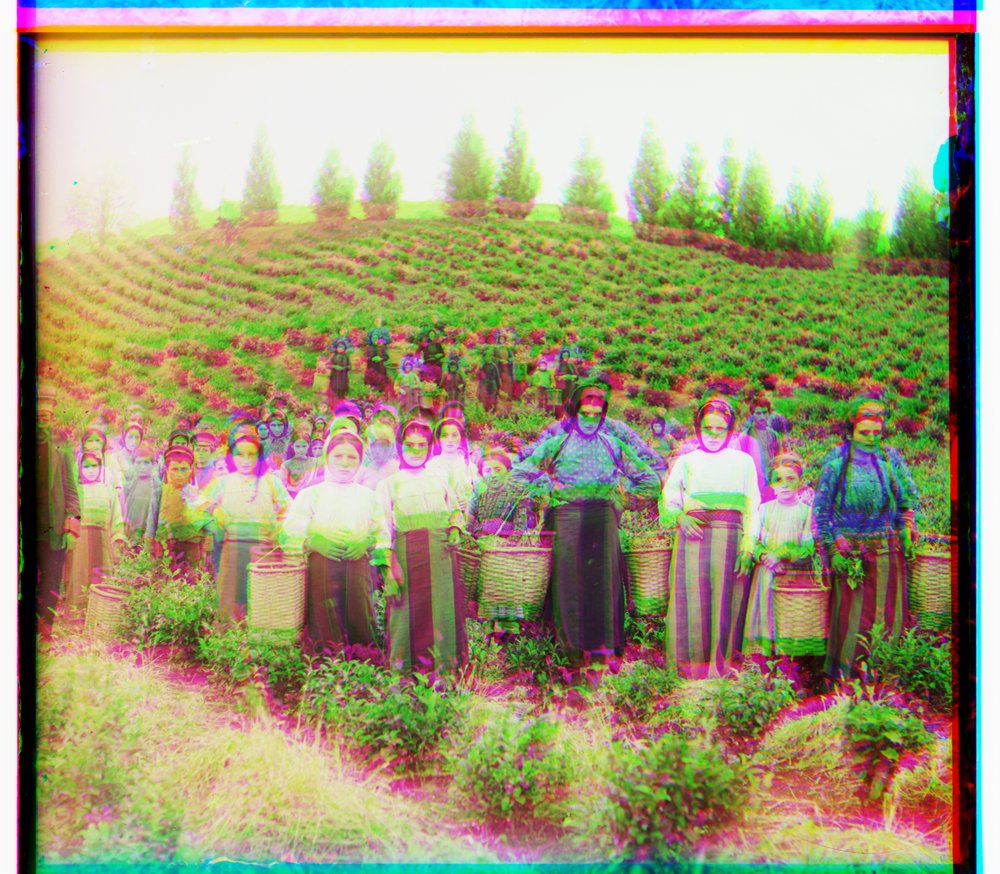
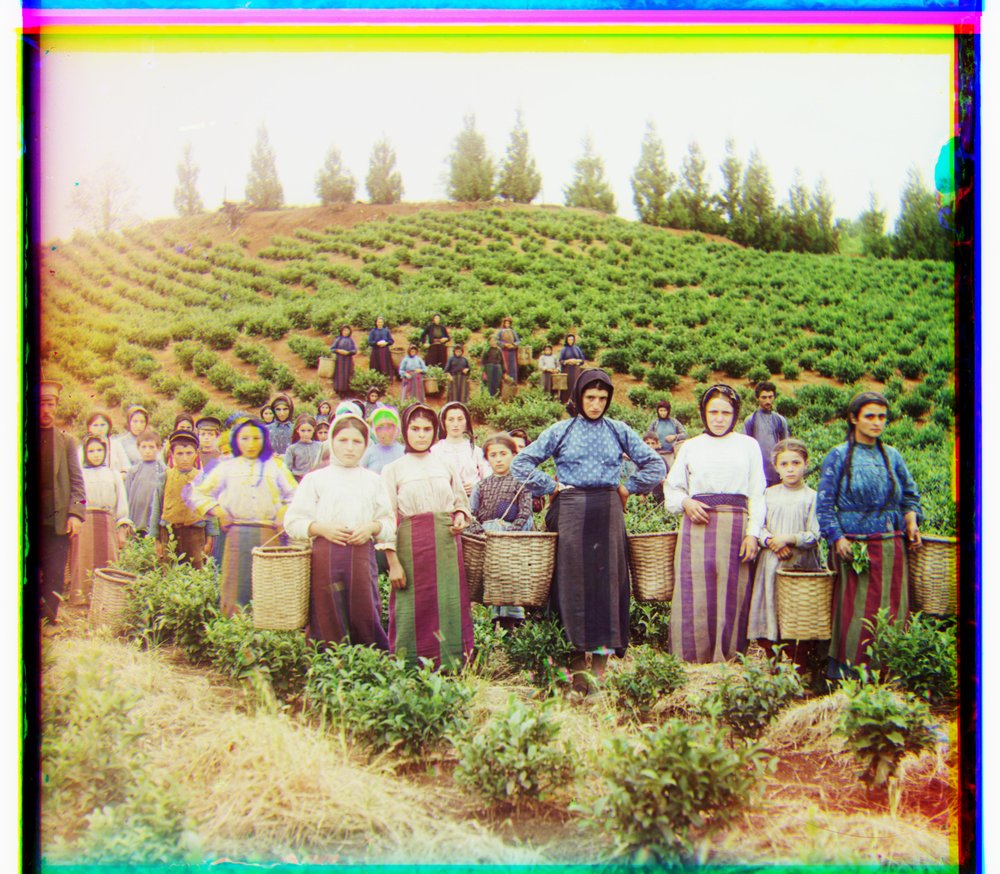
Take the harvesters as an example. The plate has thick white and black bands along the top and left which the search algorithm is eager to line up, dragging the green frame 58 pixels away from where the people actually are.
harvesters · scored on the full frame · g (−3, 118)harvesters · scored on the interior · g (17, 60)
04
multi-scale pyramid
approach
Brute-forcing on full-resolution scans are, well, very time consuming: there are about 3200 × 3600 pixels per frame, each 16 bits deep, and the frames can be shifted by over a hundred pixels. A search window wide enough to contain that, say ±180 pixels, has 361 × 361 = 130,321 candidates, and for each candidate, we have to correlate an eleven-megapixel image. This takes way too much time. The fix is to match small-scale versions of the photos and then make small corrections as while zooming back in.
We can build this scale-in alignment recursively, called the pyramid aligning method. Each frame is halved until the shorter side drops below 300 pixels, which then we run the ±15 exhaustive search exactly as in section 02. Coming back up, the estimate from the level below is doubled, because every pixel there is two pixels here, and refined with a ±3 search centered on the doubled guess.
PYRAMID-ALIGN(frame, blue)
if the shorter side of frame is under 300 px
return SEARCH(frame, blue, radius = 15, center = (0, 0))
// HALVE blurs a frame, then downsamples it by 2
guess = PYRAMID-ALIGN(HALVE(frame), HALVE(blue))
return SEARCH(frame, blue, radius = 3, center = 2 · guess)
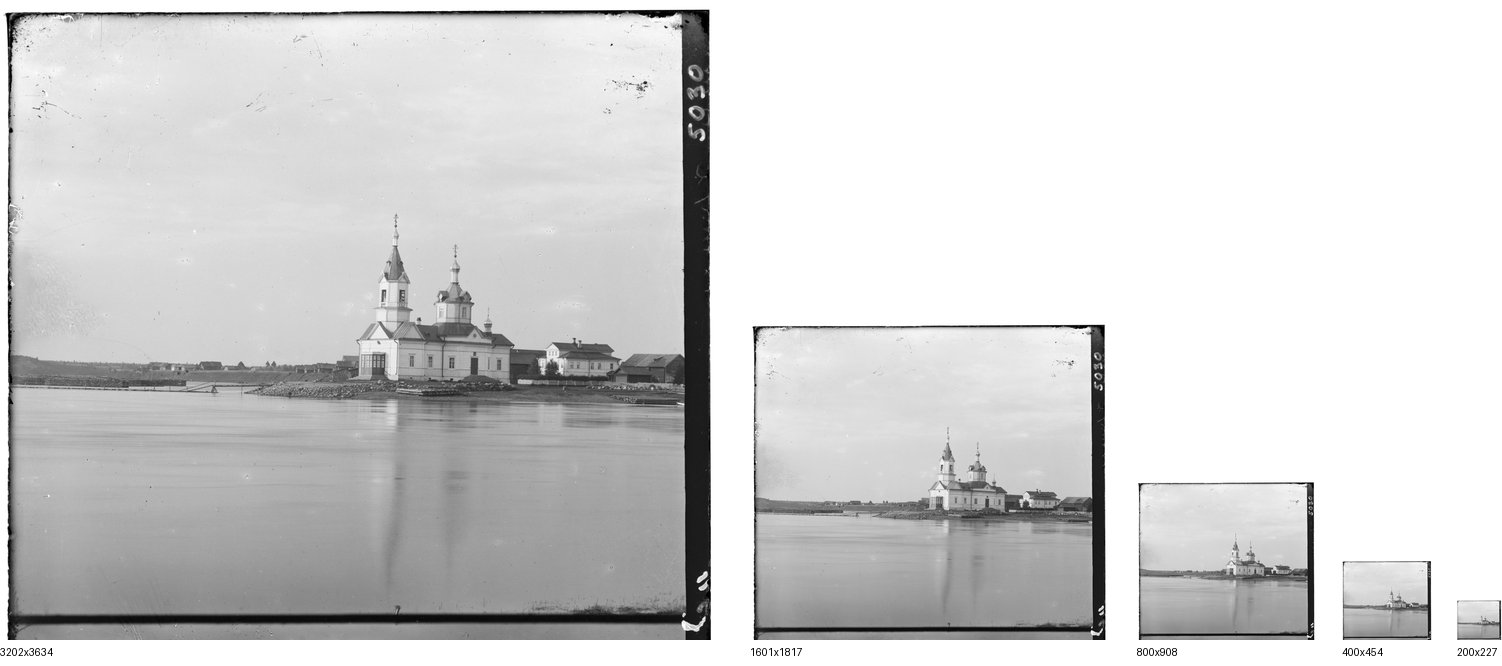
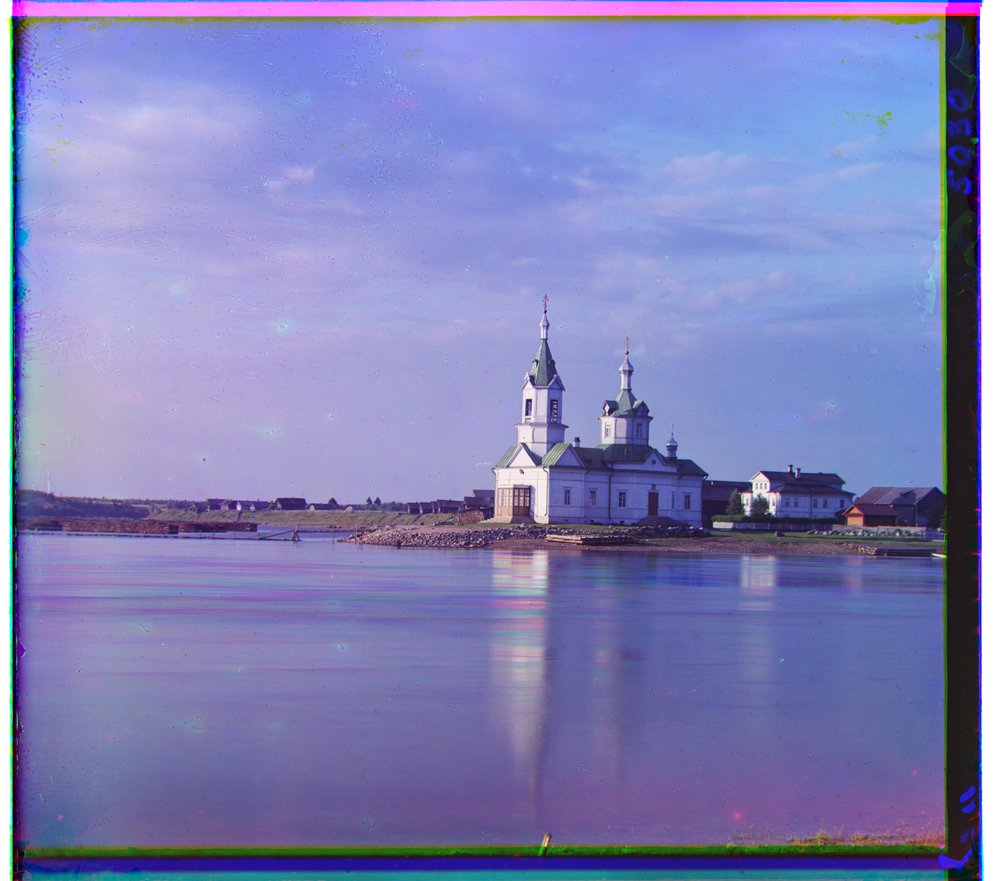
For the church plate, this is five levels, 3202 × 3634 down to 200 × 227. Now instead of the ~130,000 comparisons, we only need to make 1157 comparisons. Of the 1157 comparisons, only 49 of them are run on the full frames. We reduce the runtime to about three seconds per plate on a laptop.
the blue frame of the church at every level of its pyramid, drawn to true relative size
walking through the church down the pyramid
The table follows both frames of the church plate from the image above. On the 200 × 227 image the red frame is best at (0, 4); doubled that is (0, 8), the ±3 refinement moves it to (−1, 7), and so on up to (−4, 58) at full resolution.
level
size
green · guess
green · best
red · guess
red · best
window
4, coarsest
200 × 227
(0, 0)
(0, 2)
(0, 0)
(0, 4)
±15
3
400 × 454
(0, 4)
(0, 3)
(0, 8)
(−1, 7)
±3
2
800 × 908
(0, 6)
(1, 6)
(−2, 14)
(−1, 15)
±3
1
1601 × 1817
(2, 12)
(2, 12)
(−2, 30)
(−2, 29)
±3
0, full
3202 × 3634
(4, 24)
(4, 25)
(−4, 58)
(−4, 58)
±3
05
pyramid results on all fourteen plates
Below we show all fourteen course images, aligned with the pyramid and raw-pixel NCC using one set of parameters: 10% scoring margin, ±15 at the coarsest level, ±3 refinement, 300-pixel stopping size. Thirteen images are reconstructed well. Reconstructing The Emir fails and we will discuss why in later sections.
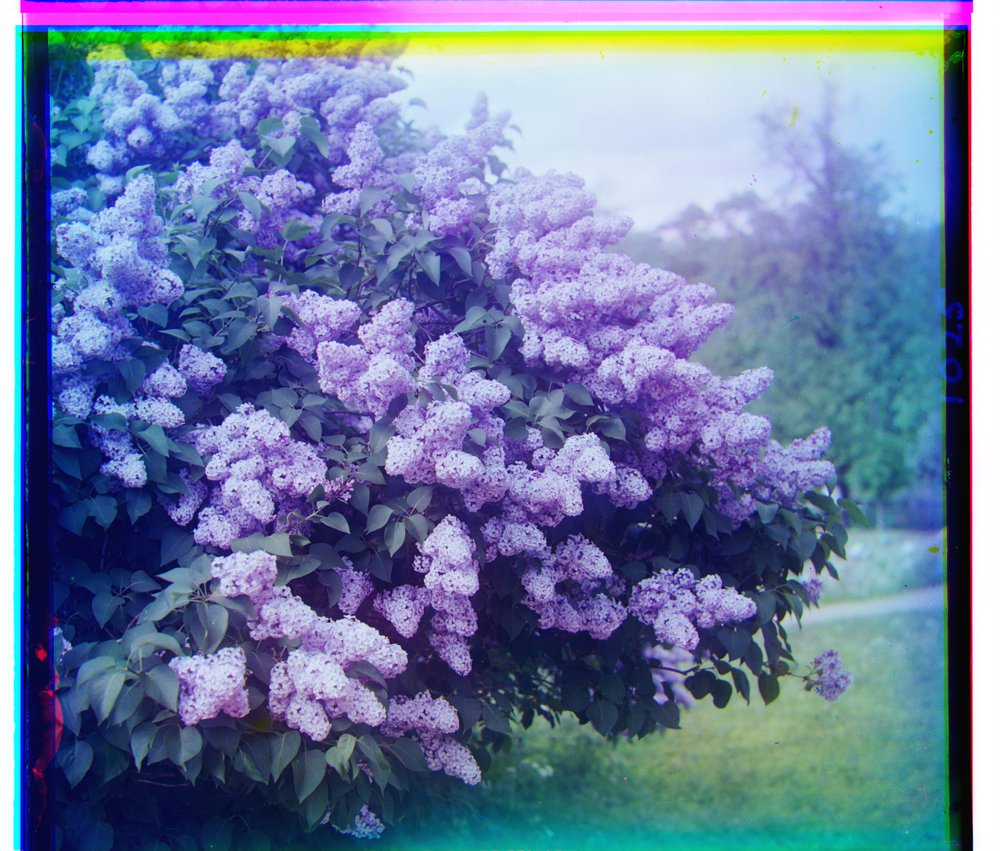
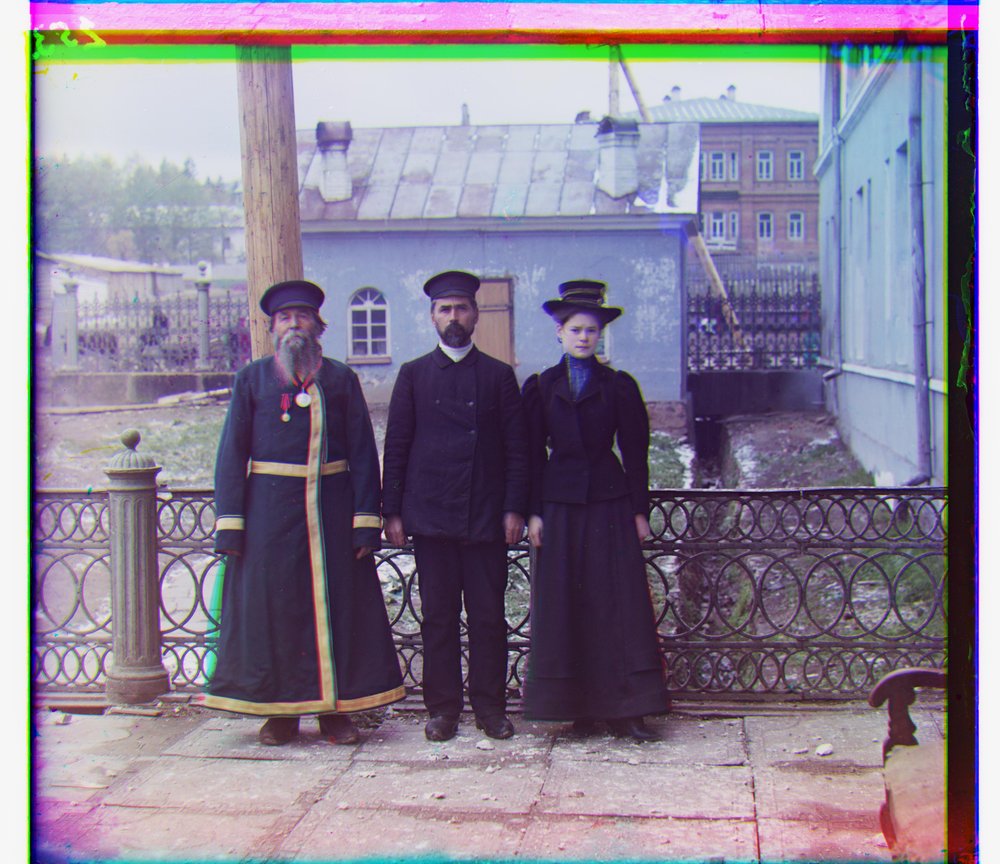
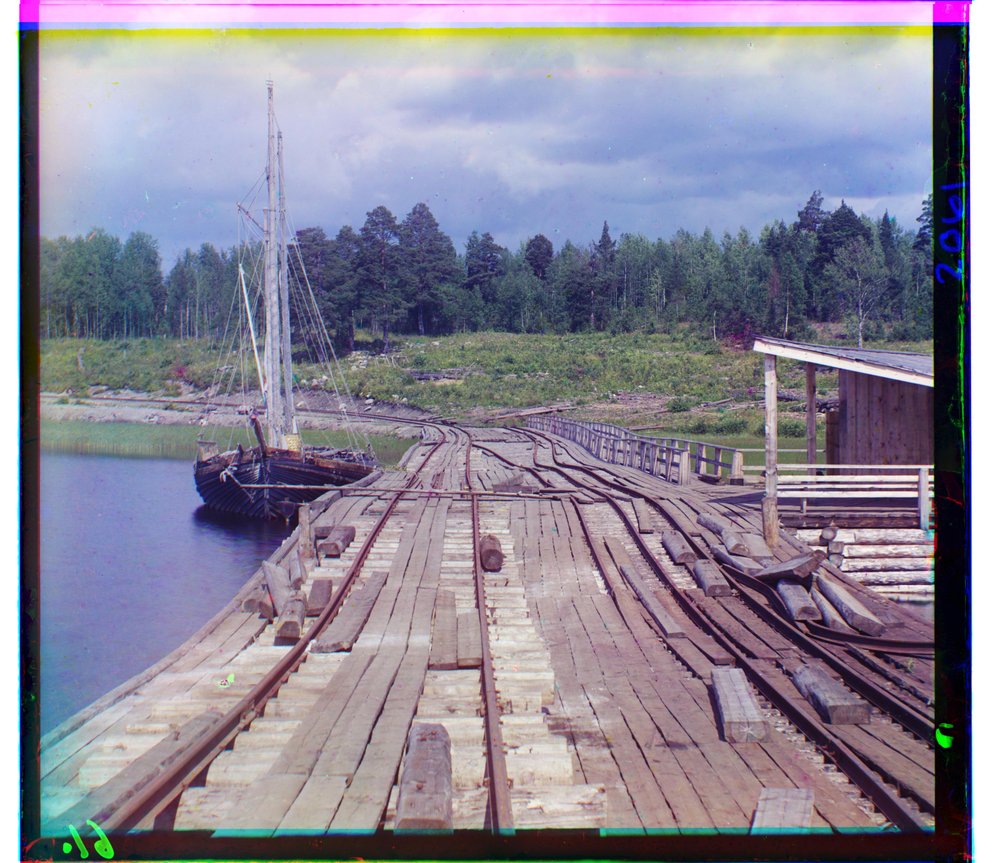
cathedral g (2, 5) · r (3, 12)monastery g (2, −3) · r (2, 3)tobolsk g (3, 3) · r (3, 6)
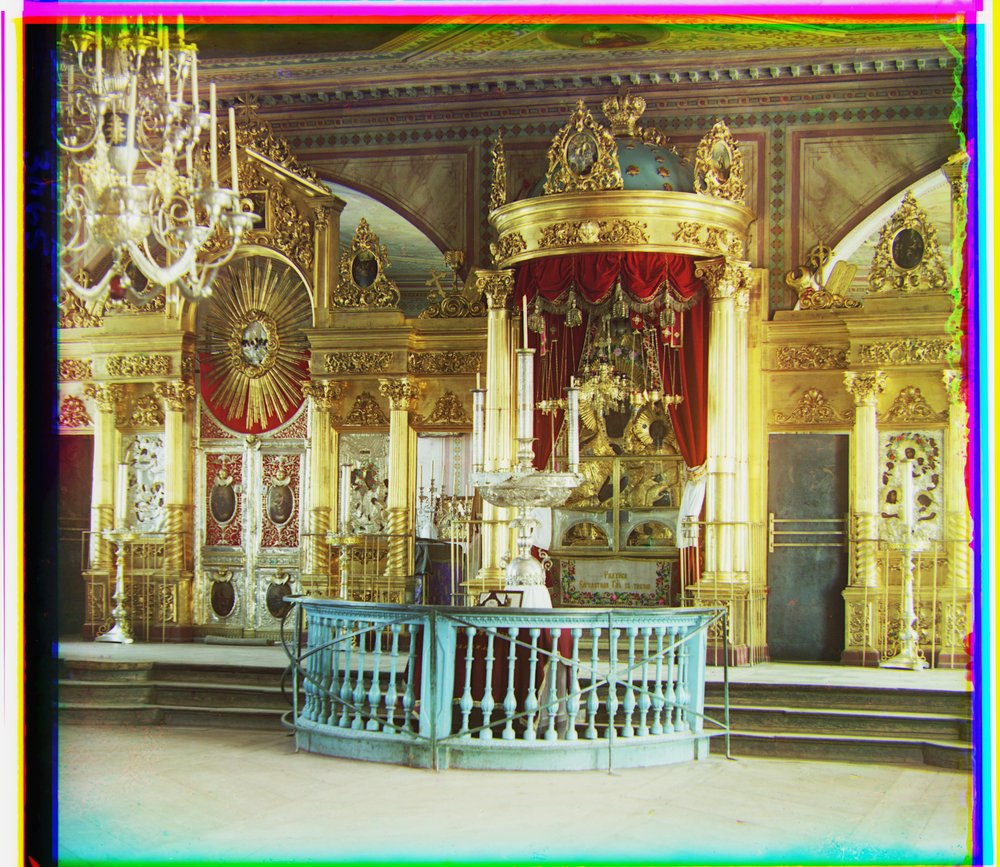
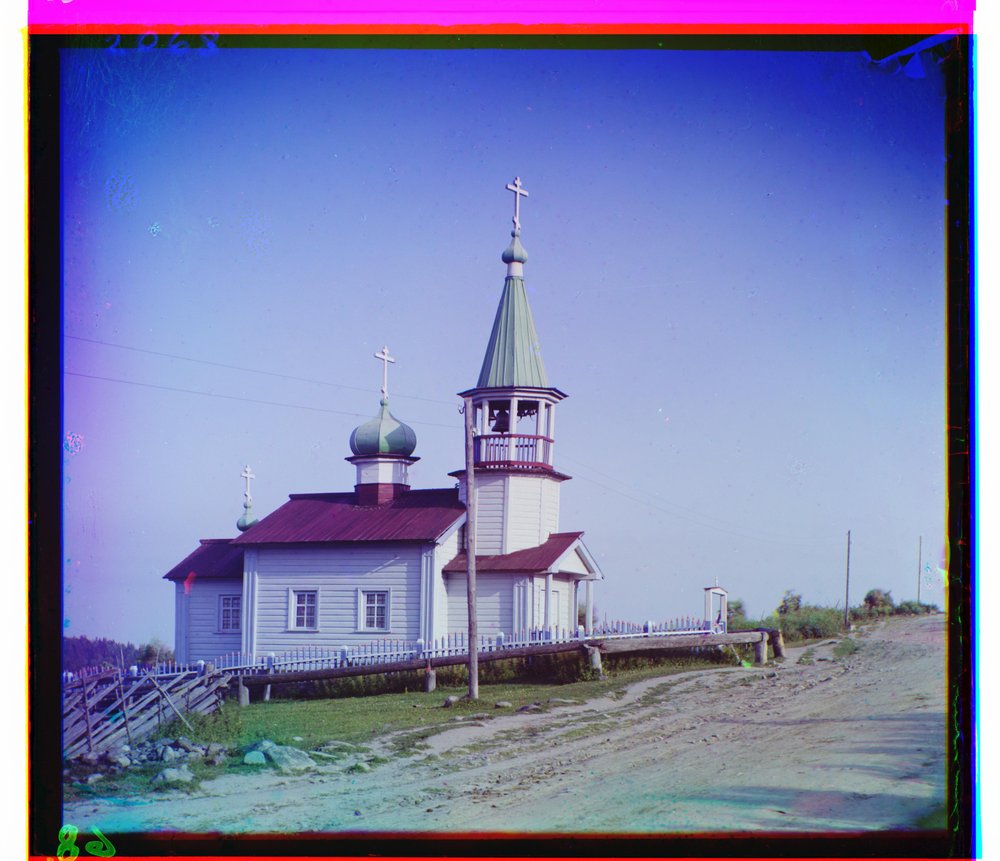
church g (4, 25) · r (−4, 58)harvesters g (17, 60) · r (13, 124)icon g (17, 41) · r (23, 89)
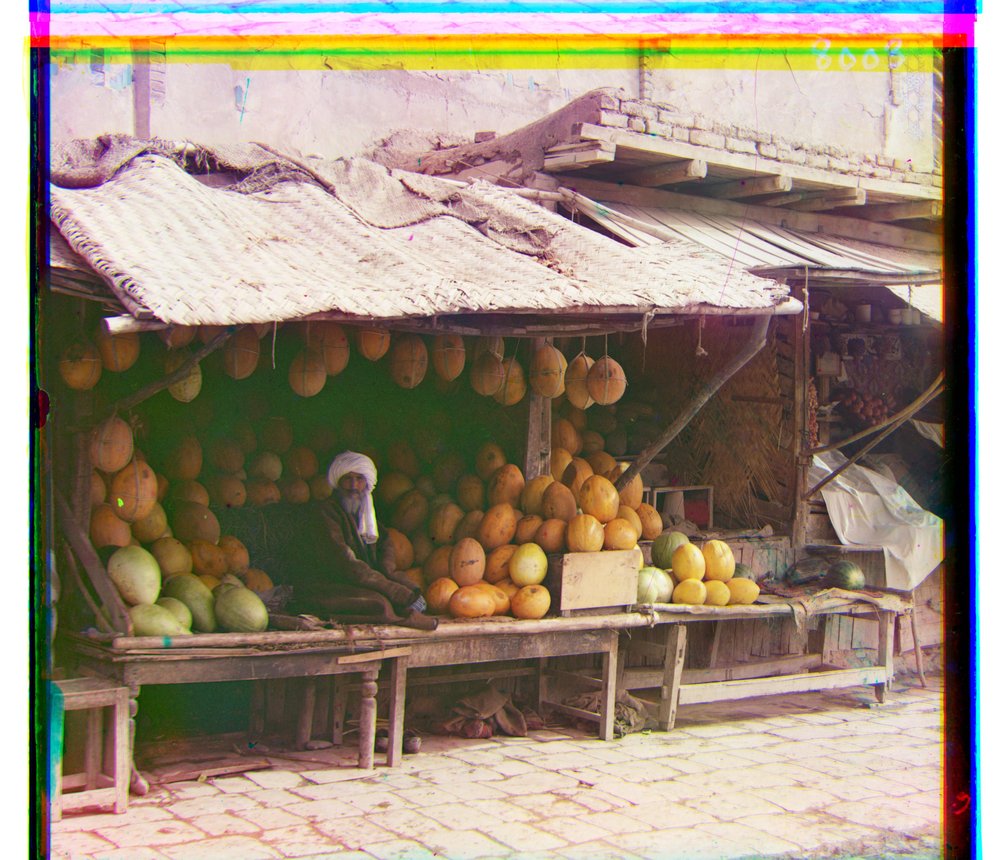
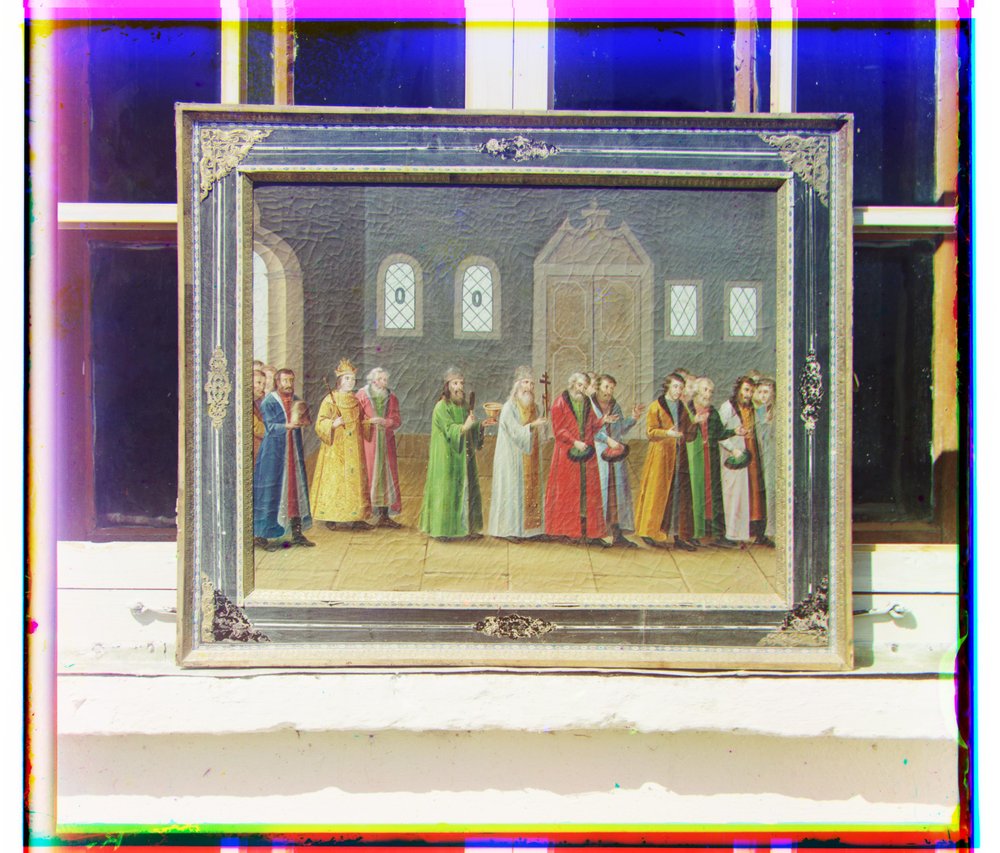
ilemselga g (7, 40) · r (11, 130)melons g (11, 82) · r (13, 178)religious painting g (3, 28) · r (7, 68)
self portrait g (29, 79) · r (37, 176)siren g (−6, 49) · r (−25, 96)three generations g (14, 53) · r (11, 112)
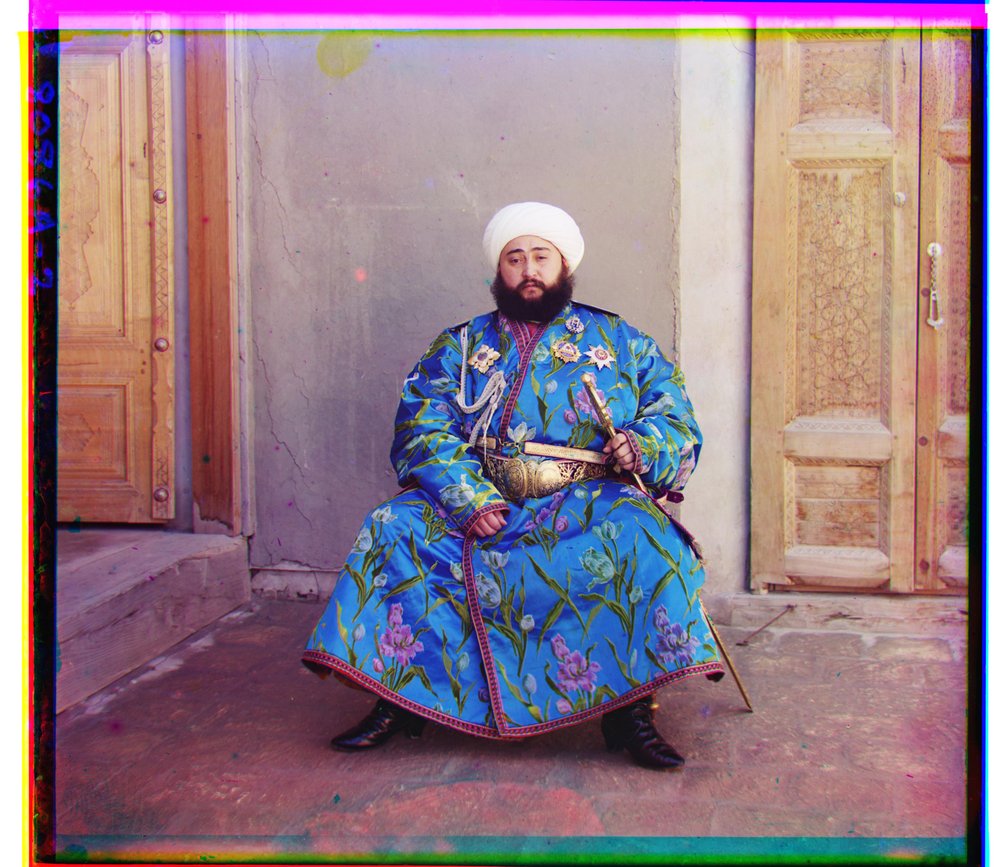
wharf g (−7, 15) · r (−16, 83)emir g (24, 49) · r (−205, 141) failed, see 07
06
l2 versus ncc
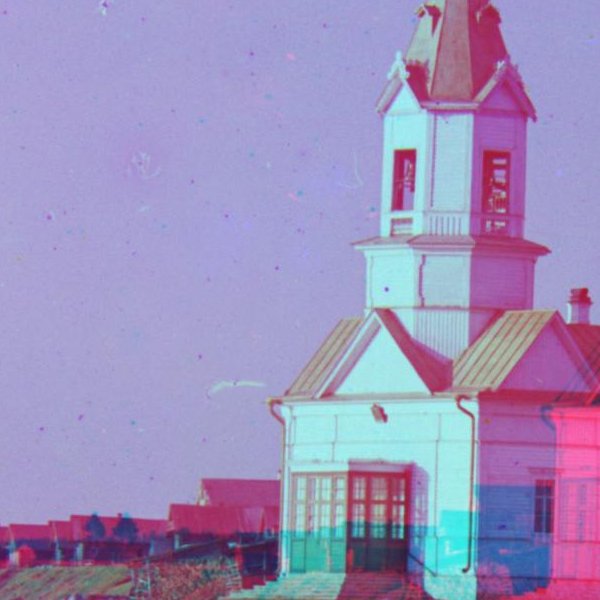
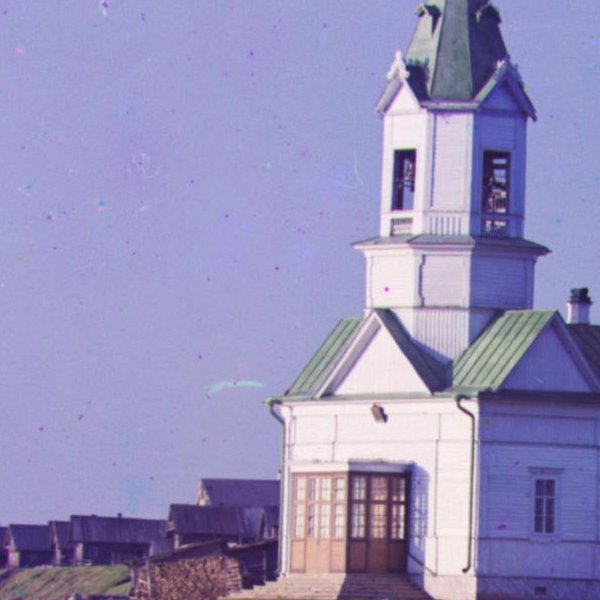
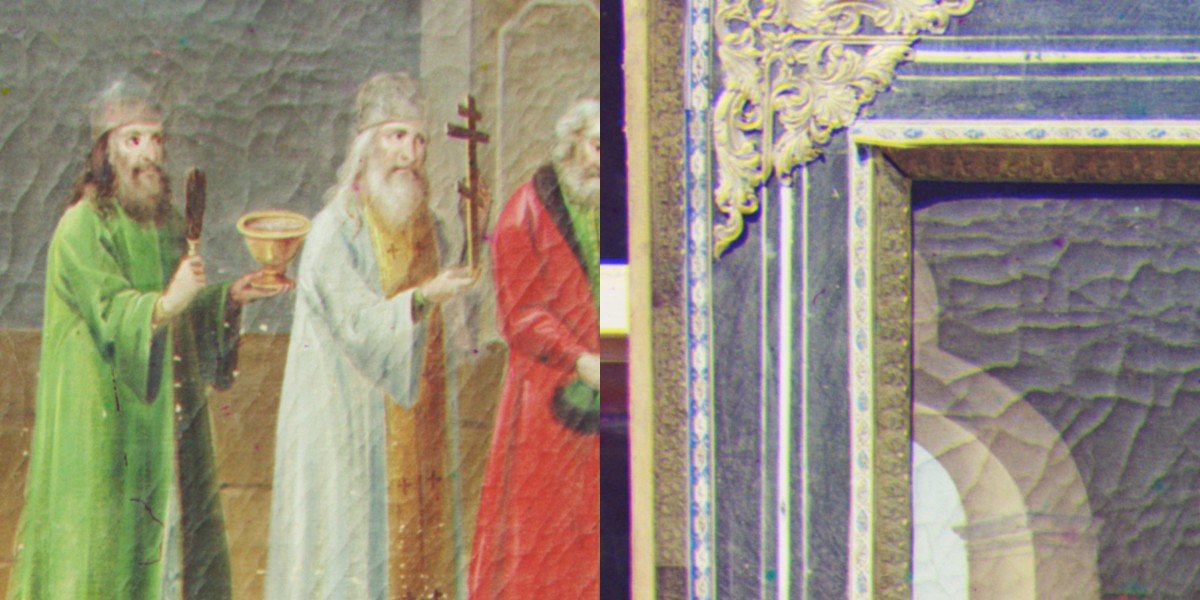
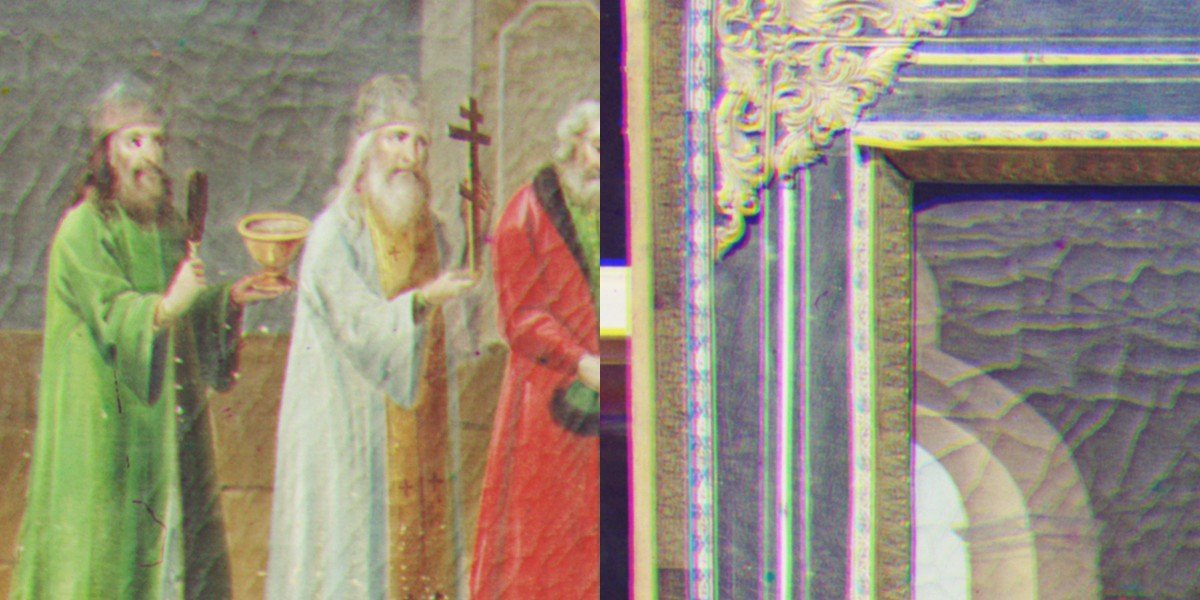
The L2 and NCC metrics agree for most images, but they seriously disagree for some images where the frames differ in brightness. Let’s look at the church: NCC puts the red frame at (−4, 58), while L2 computes it at (267, 64), which is very far off. L2 measures absolute intensity differences, and the sky, water and walls of the church have different brightness in the red exposure than in the blue one, so the sum of squared differences is minimized not by matching structure but by finding some overlap of dark against dark and light against light. NCC subtracts the mean and normalizes the contrast of each frame before comparing, which helps remedy that problem. From now on, we will consider NCC the better metric and use it.
church · l2 · r (267, 64)church · ncc · r (−4, 58)
l2 · 600 px crop at 100%ncc · 600 px crop at 100%
07
why does emir of bukhara fail?
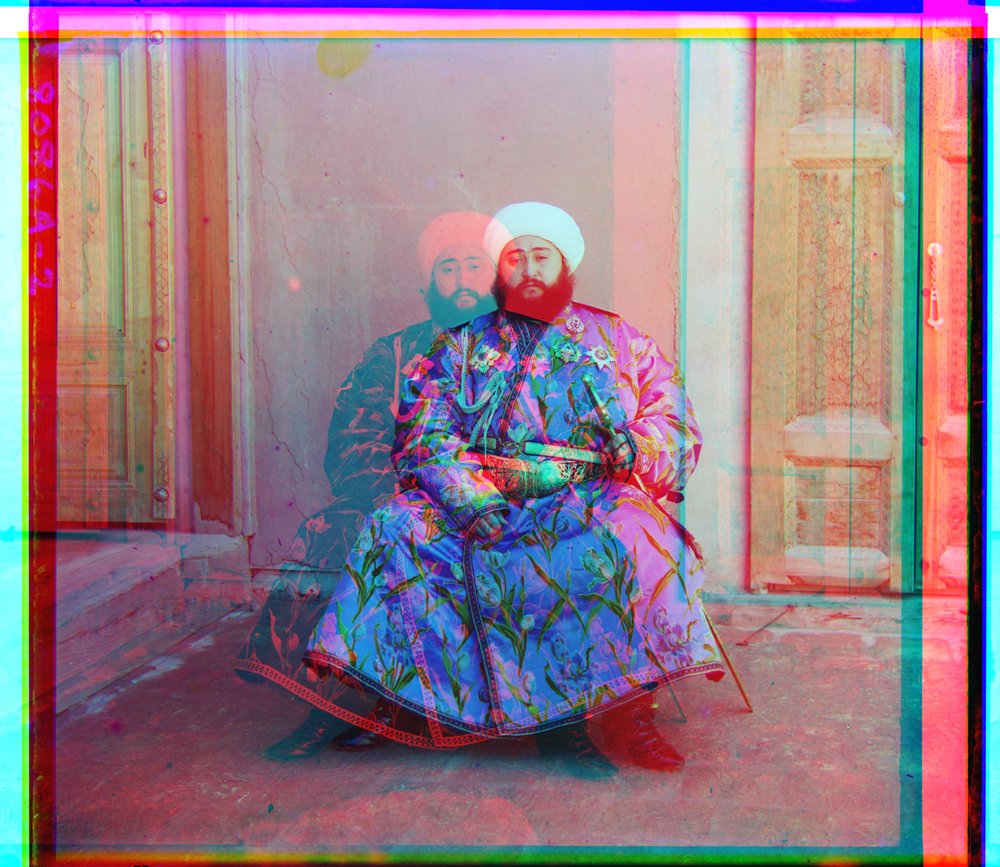
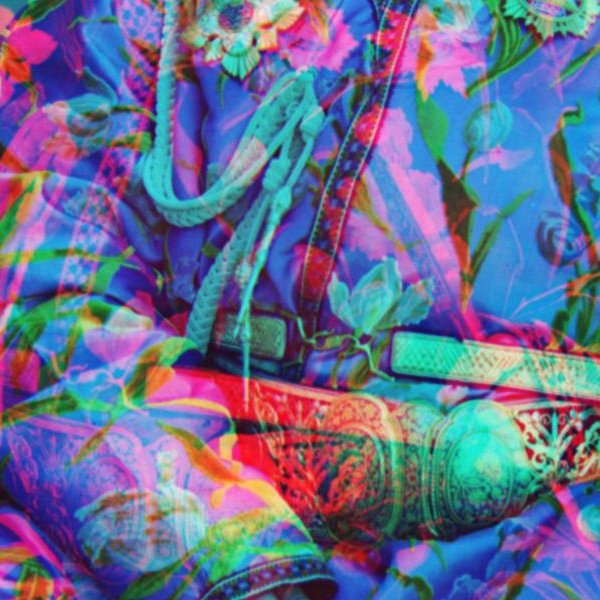
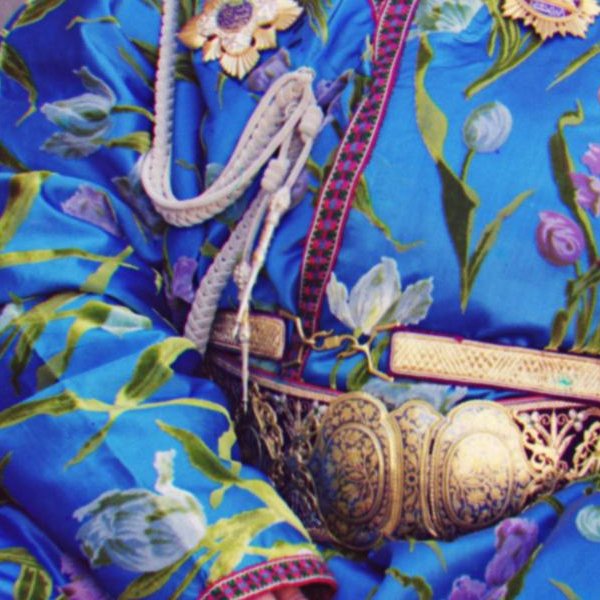
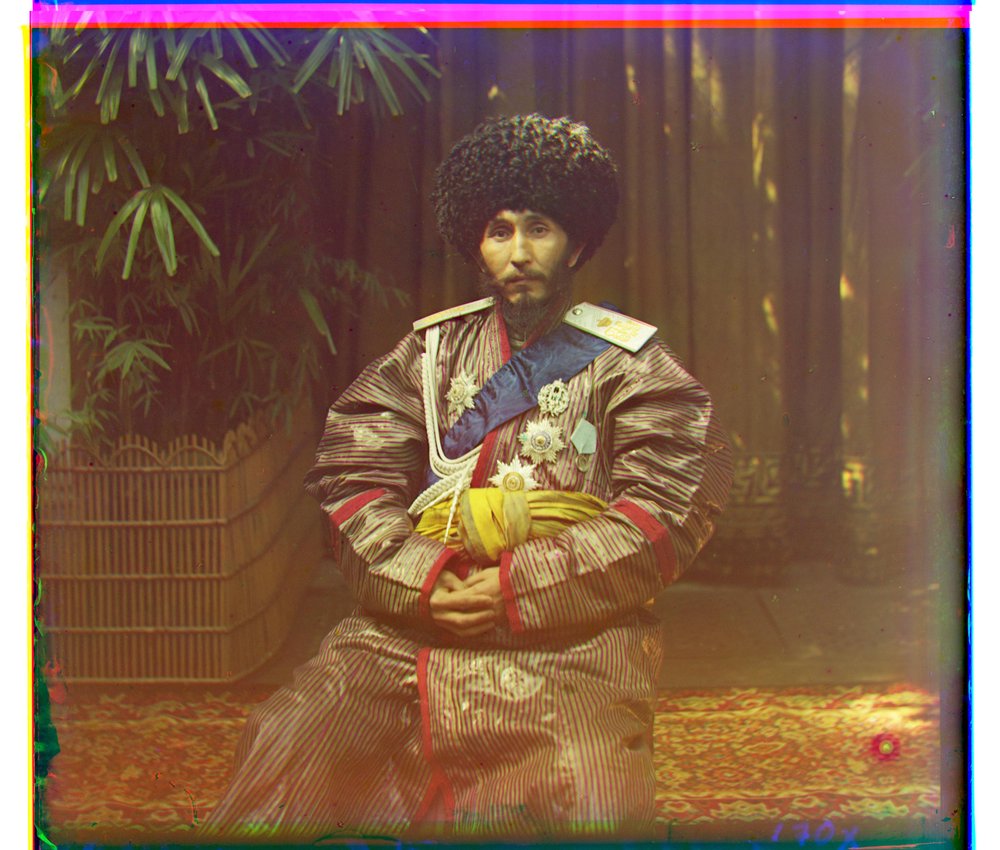
With raw pixels and NCC, the Emir’s green frame aligns fine at (24, 49), but the red frame ends up at (−205, 141). The culprit is Emir's robe, which is very, very blue. NCC removes differences in overall brightness and contrast, but it still assumes that what is bright in one frame is bright in the other. Emir's robe, being the largest object in the picture, breaks this assumption. His robe is almost white in the blue exposure and nearly black in the red one, so the robe region of the two frames are anti-correlated, causing a bad alignment score for the correct alignment.
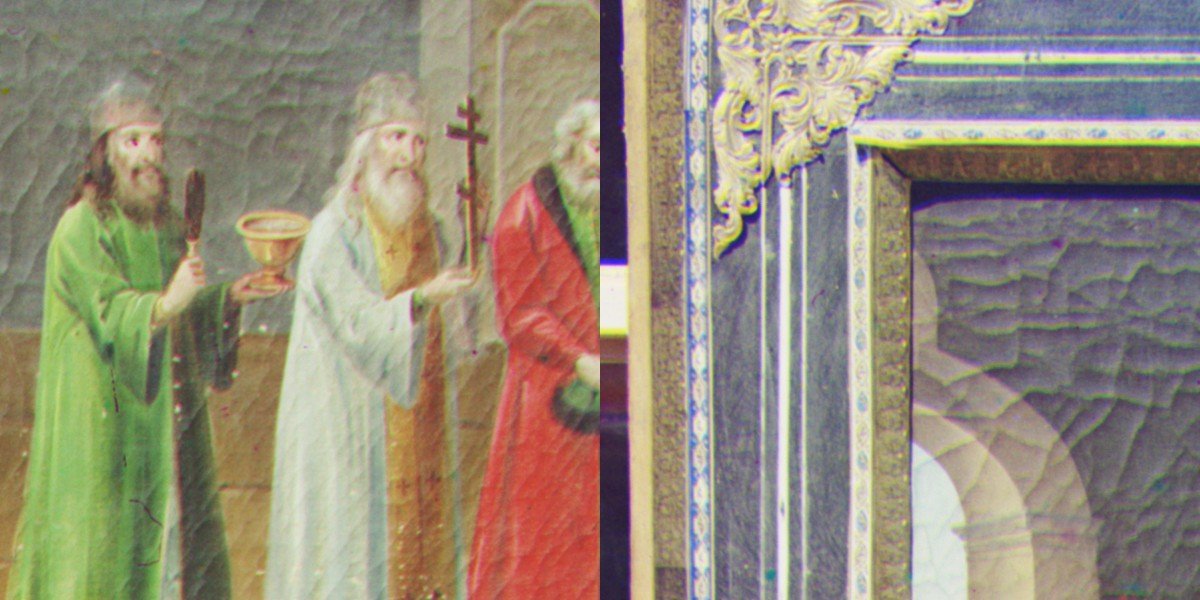
emir · raw pixels + ncc · r (−205, 141)the belt at 100% · red frame displaced
08
bells & whistles: aligning on edges
We showed that the difference in brightness was the culprit for Emir’s frames. Fortunately, though, the edges are still similar: the outline of the robe, the pattern on the fabric and the doorway are in the same places in all three exposures regardless of brightness. So instead of correlating pixel values, we can correlate based on edge strength. Each frame is smoothed with a Gaussian (sigma 2) and passed through a Sobel filter, which gives the gradient magnitude at every pixel. We then run the pyramid search runs on the edge maps.
That fixes the Emir and the rest of the thirteen images are still reconstructed the same, so this is not a one-off fix.
before · raw pixels · r (−205, 141)after · edges · r (40, 107)
before · 100% cropafter · 100% crop
but why blur?
Initially, we tried to run Sobel on the raw frames, but it looked worse than raw pixels on several plates even though it fixed the Emir. The reason is film grain. At full resolution the scans are noisy, and a gradient filter detects the grains as small edges. Since the grain is different on each frame, so the edge maps are full of random edges that confuses the alignment metrics. A light Gaussian before the Sobel removes the grain but keeps the real edges, removing the drift.
raw pixels + ncc · g (3, 28) · center and frame corner at 100%
sobel on raw frames · g (7, 30) · note the fringes on the frame
sobel on smoothed frames · g (2, 29) · fringes gone
09
three more plates from the collection
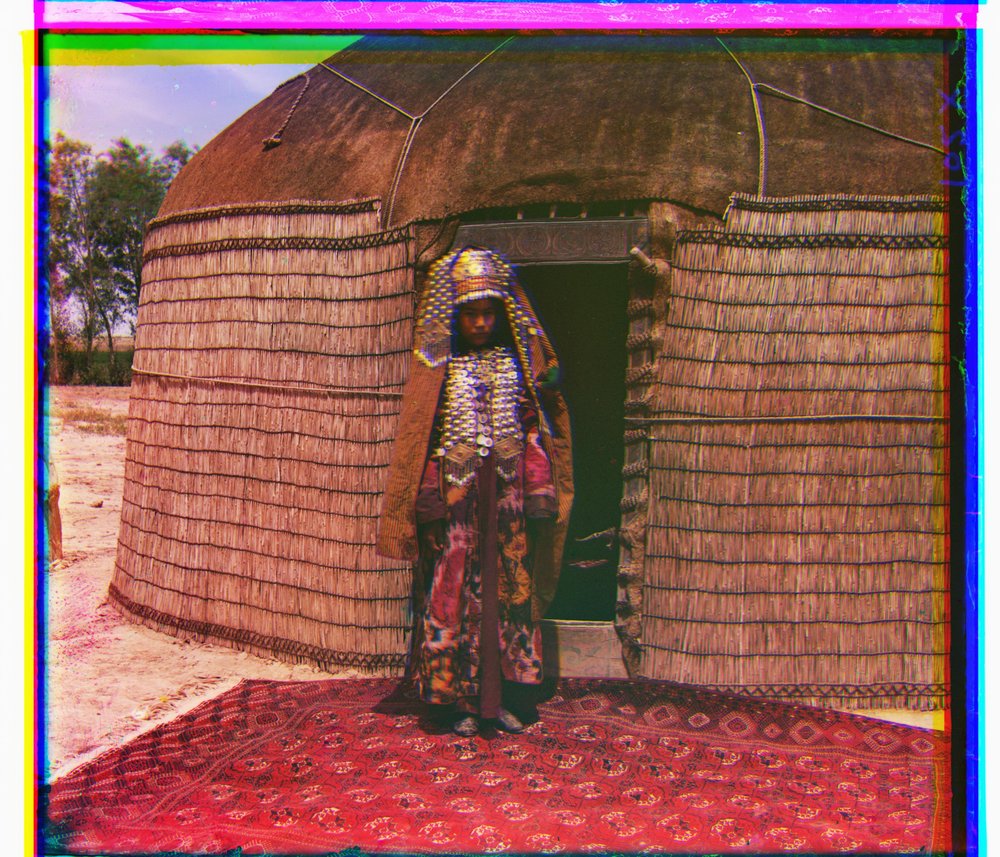
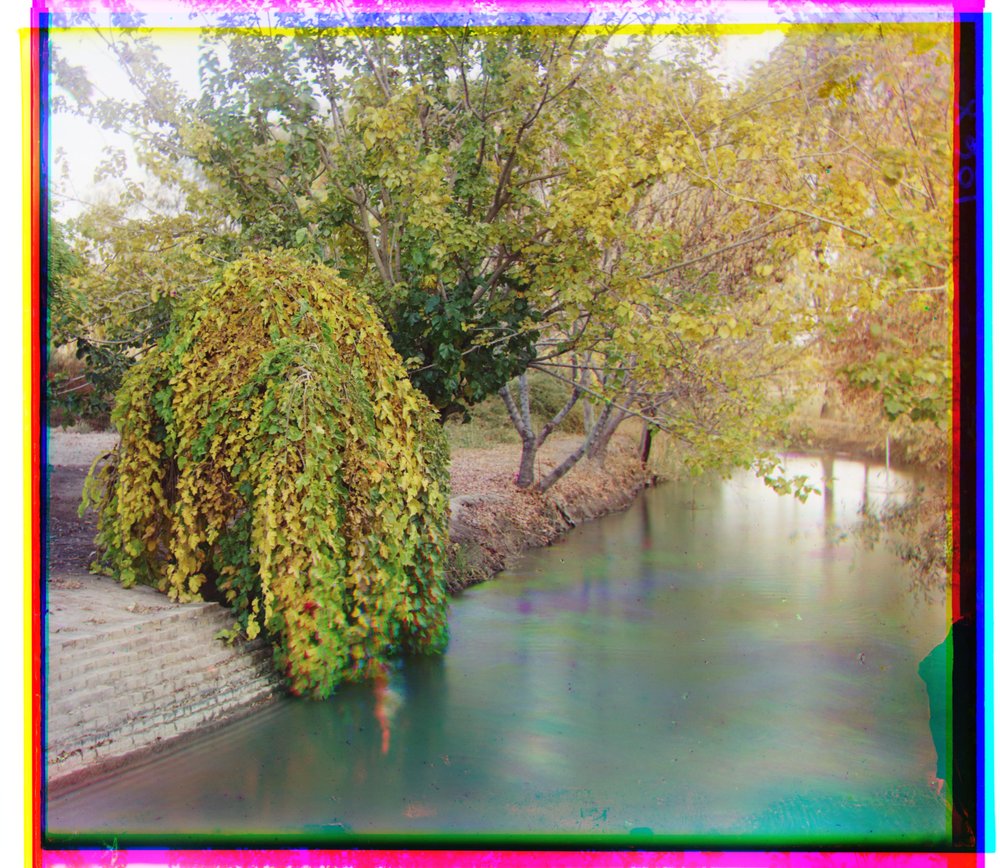
We pulled three more scans from the Library of Congress and ran them through the same pipeline with the same parameters. All three align on the first try to recreate the color images.
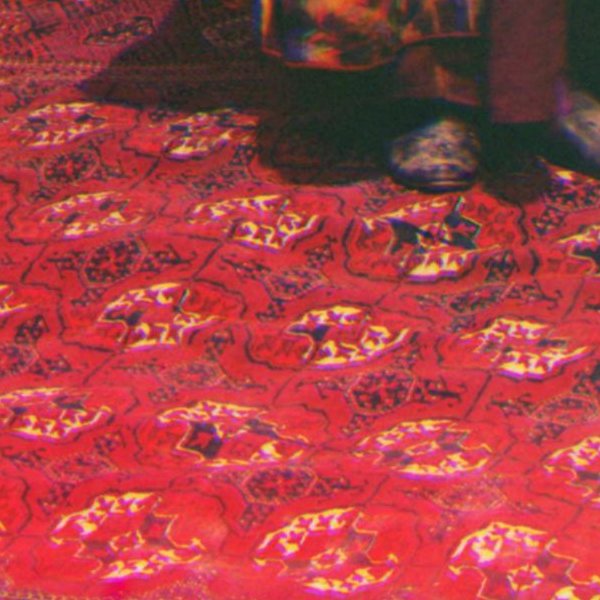
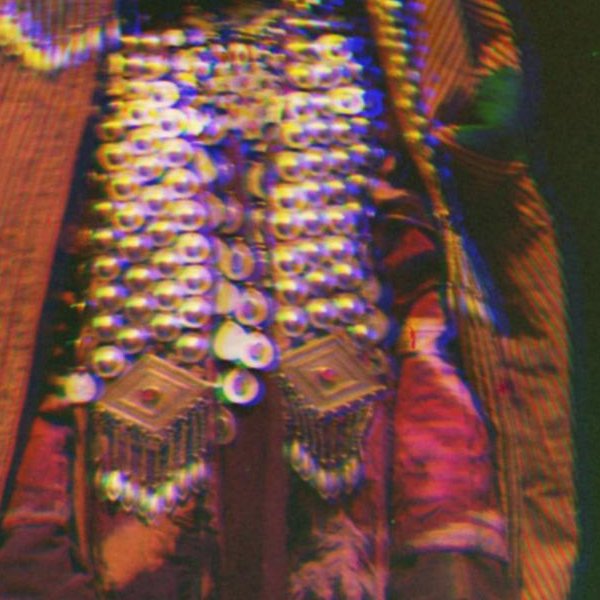
Now we can see the real downside of Prokudin-Gorskii’s method with the yurt plate. After we recreate the image, the reed wall and carpet resolutions are very crisp. When we zoom in, however, the woman’s necklace is less aligned. It’s really difficult for people to stay still for long durations of time, so regardless of any alignment technique, it is very hard to capture potentially moving subjects in this way.
the carpet at 100% · sharpthe necklace at 100% · subject moved between exposures
10
listing out every offset
Below we show all computed shifts for the green and red frames relative to blue. We highlighted cells where the alignments fail. As discussed in the previous section, NCC is better than L2, so for the three extra scans, we only ran on NCC. Note that alignment for church, as discussed, fails on L2, but still succeeds on NCC. Only Emir fails on both. It is also very interesting that for most images, using edges versus actual image gave us pretty similar results. However, edge-based scoring is especially powerful in the case of Emir.